Go to ecartpay.com and head to the Integrations section.
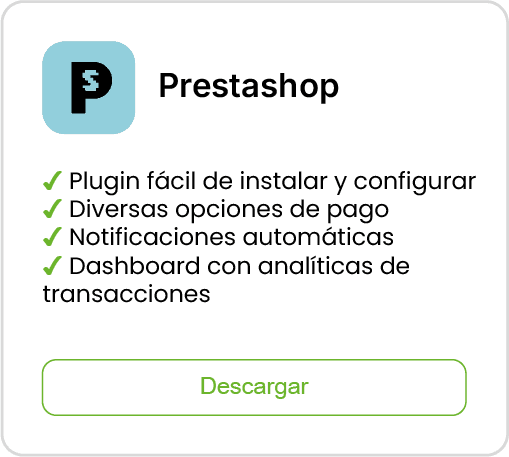
Click on Download to get the .ZIP file corresponding to the Prestashop module.
Log into your PrestaShop account and, from the control panel, open the menu Modules > Module Manager.
In the upper right corner, click on Upload a module.
Select the .ZIP file you downloaded and click on Open to start the installation.
Once the installation is complete, the Configure button will appear. Click it to continue with the setup.
The system will ask you for a public key and a private key.
To obtain them, open a new tab and go back to ecartpay.com.
Log in with your account or sign up if you don't have one yet.
Within the Ecart Pay dashboard, in the left side menu, select Integrations > API.
Copy your public key and private key.
Paste both in the corresponding fields within the PrestaShop module.
Click on Save to finish the configuration.