Connect your Shopify store to your Ecart POS terminal to sync your products and manage your sales from a single place.
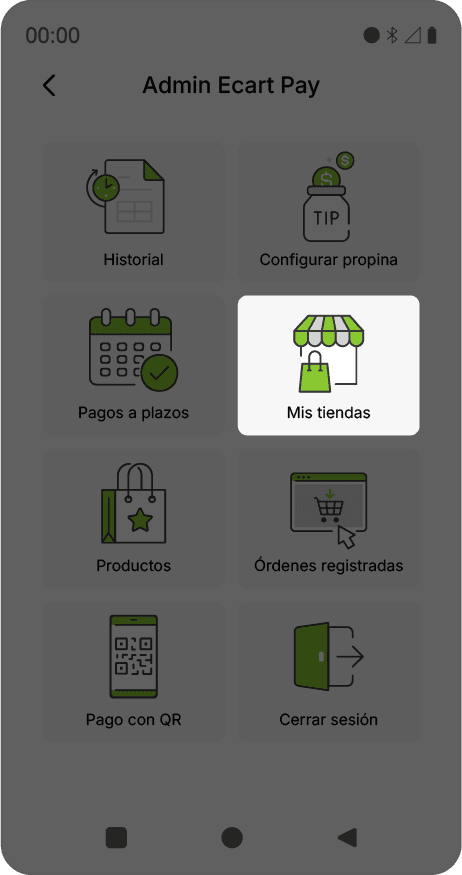
On your terminal, go to Menu.
Select My Stores.
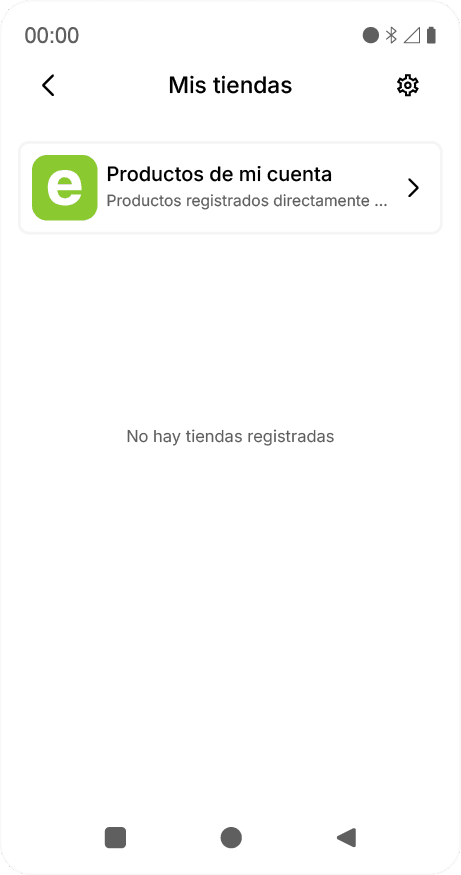
If you don't have an integrated store, select the option to add a new one.
Click on the gear icon ⚙️.
A QR code will be displayed on the screen.
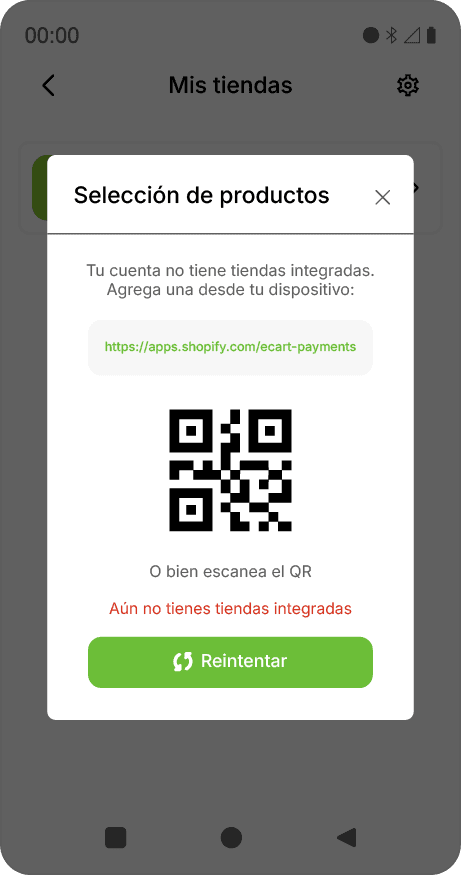
Scan the QR with your phone.
A page will open where you must:
Log in to Ecart Pay
Have your Shopify session active
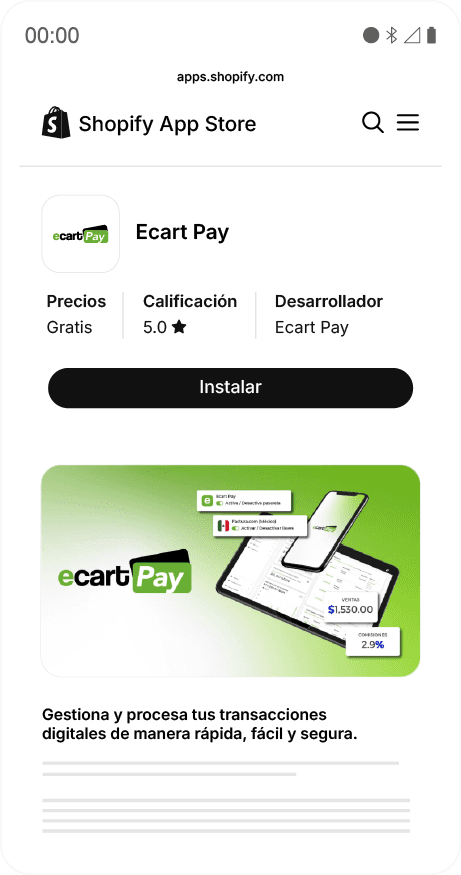
Click on Install.
Log in to your Ecart Pay account from your computer.
Go to Integrations > Stores.

Click on Connect store.
Choose Shopify (Checkout Ecart Pay).
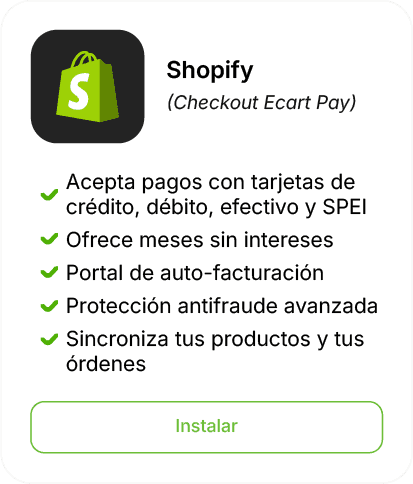
Click on Install.
From here, follow the same connection process:
Log in
Keep your Shopify session active
Click on Integrate