logo

Solutions

Integrations

Commission

Partners

Resources

Sign up

Log in

EN
logo

First steps

Create account

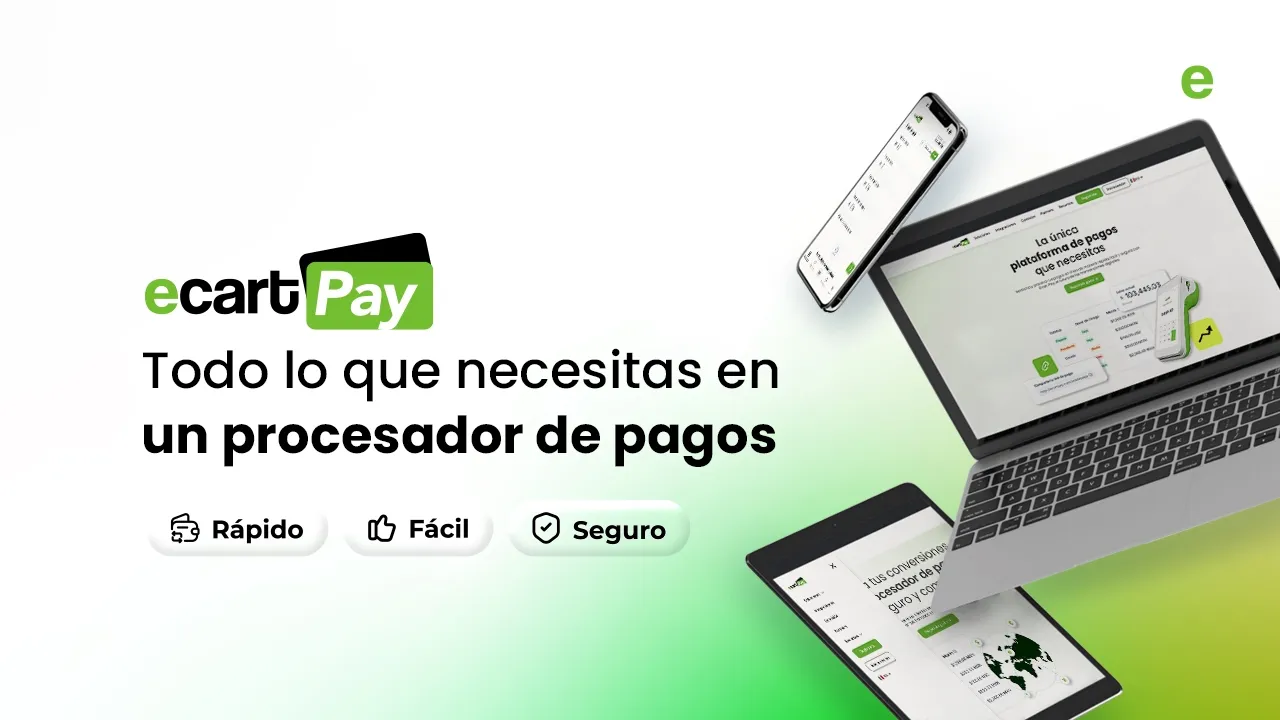
Manage and process your online payments quickly, easily, and securely with Ecart Pay.

Manage and process your online payments quickly, easily, and securely with Ecart Pay.

Last updateOctober 30, 2025

Create your account

  1. Go to ecartpay.com.

  2. Click on the Register button.

  3. Fill out the form.

  4. Click the Register button.

  5. Verify your account with the link sent to your email.

💡 Use a permanent email and phone number
We recommend registering your account with an email address and phone number that are permanently active. This will help you avoid access issues in the future.

💼 For businesses
It is preferable to use a generic corporate email (for example, admin@company.com) instead of a personal email of an employee. This ensures continuity of access to the account in case of changes in the team.

Why create an account?

Ecart Pay is the only payment platform you need.

What can I do in Ecart Pay?

  • Payment processing.

  • Offer interest-free months.

  • Create subscriptions and recurring payments.

  • Easy and free integrations.

  • Advanced fraud prevention tools.

  • The most attractive commissions in the market.

  • Real-time reporting.

  • Personalized technical and commercial support.

Next

Personal payment link

Related to First steps

Verify your account

Add a bank account

Personal payment link

© 2026 Ecart Pay, S.A.P.I. de C.V. All rights reserved

support@ecartpay.com

|

sales@ecartpay.com

(+52) 81 2352 8962

Privacy policy

Code of ethics

Cookie Policy

Terms and Conditions

© 2026 Ecart Pay, S.A.P.I. de C.V. All rights reserved

support@ecartpay.com

sales@ecartpay.com

(+52) 81 2352 8962

Privacy policy

Code of ethics

Cookie Policy

Terms and Conditions

© 2026 Ecart Pay, S.A.P.I. de C.V. All rights reserved

support@ecartpay.com

|

sales@ecartpay.com

(+52) 81 2352 8962

Privacy policy

Code of ethics

Cookie Policy

Terms and Conditions