First steps

Personal payment link

Your personal payment link is a unique link automatically assigned to your Ecart Pay account.

Your personal payment link is a unique link automatically assigned to your Ecart Pay account.

Last updateNovember 6, 2025

Your personal payment link is a unique link that you can share with your customers to receive direct payments quickly and securely, without having to generate a new link for each transaction.

Where to find your personal payment link?

Your personal payment link is always visible and accessible in the top menu of the platform.

  • At the top, you will see your fixed personal payment link.


  • With just one click, the link is automatically copied so you can share it instantly with your customers.

Can I edit my personal payment link?

Yes, you can edit your personal payment link only once to customize it with the name or identifier you prefer.

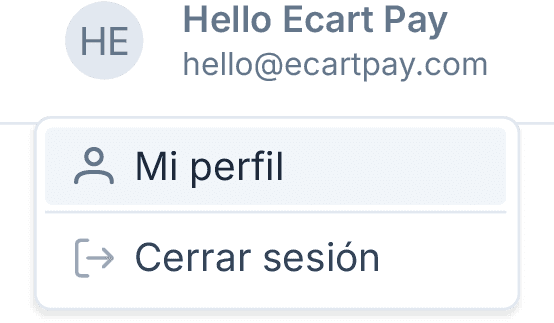
  1. In the top menu, click on Your user.

  2. Select My profile.


  3. Go to the Personal information section.


  4. There you will find your personal payment link.


  5. If you have not modified it yet, the edit icon will appear.

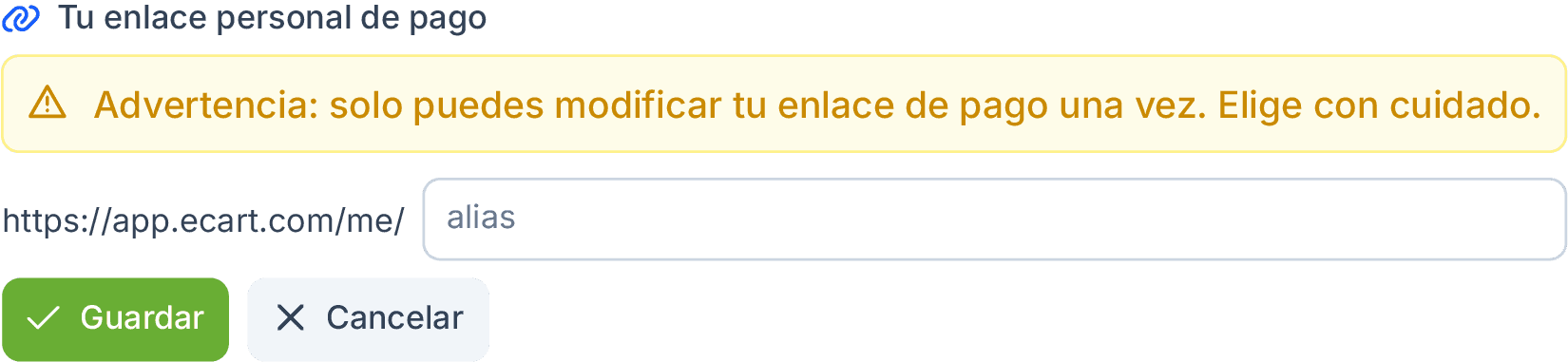
  6. When you click, you will see the message:
    “Warning: you can only modify your payment link once. Choose carefully.”

  7. Enter the new identifier and click Save.
⚠️ Important
We recommend that you carefully review your link before saving it, as it can only be edited once. Once confirmed, it will not be possible to change it again.

Previous

Create account

Next

Change or reset your password